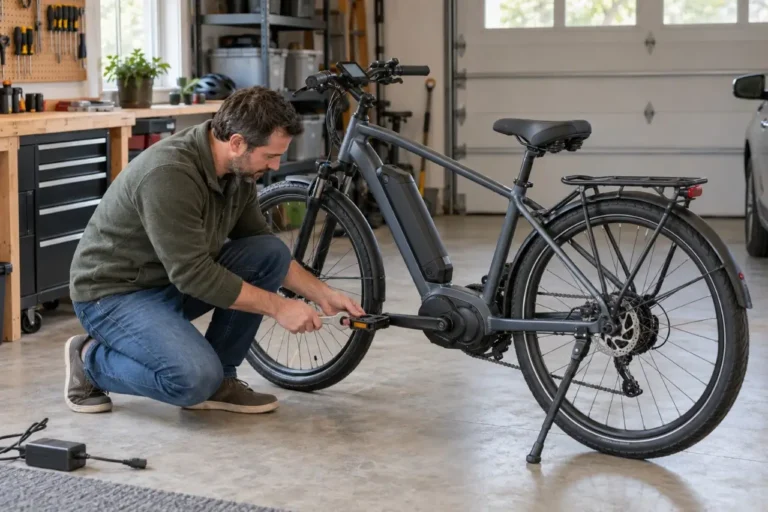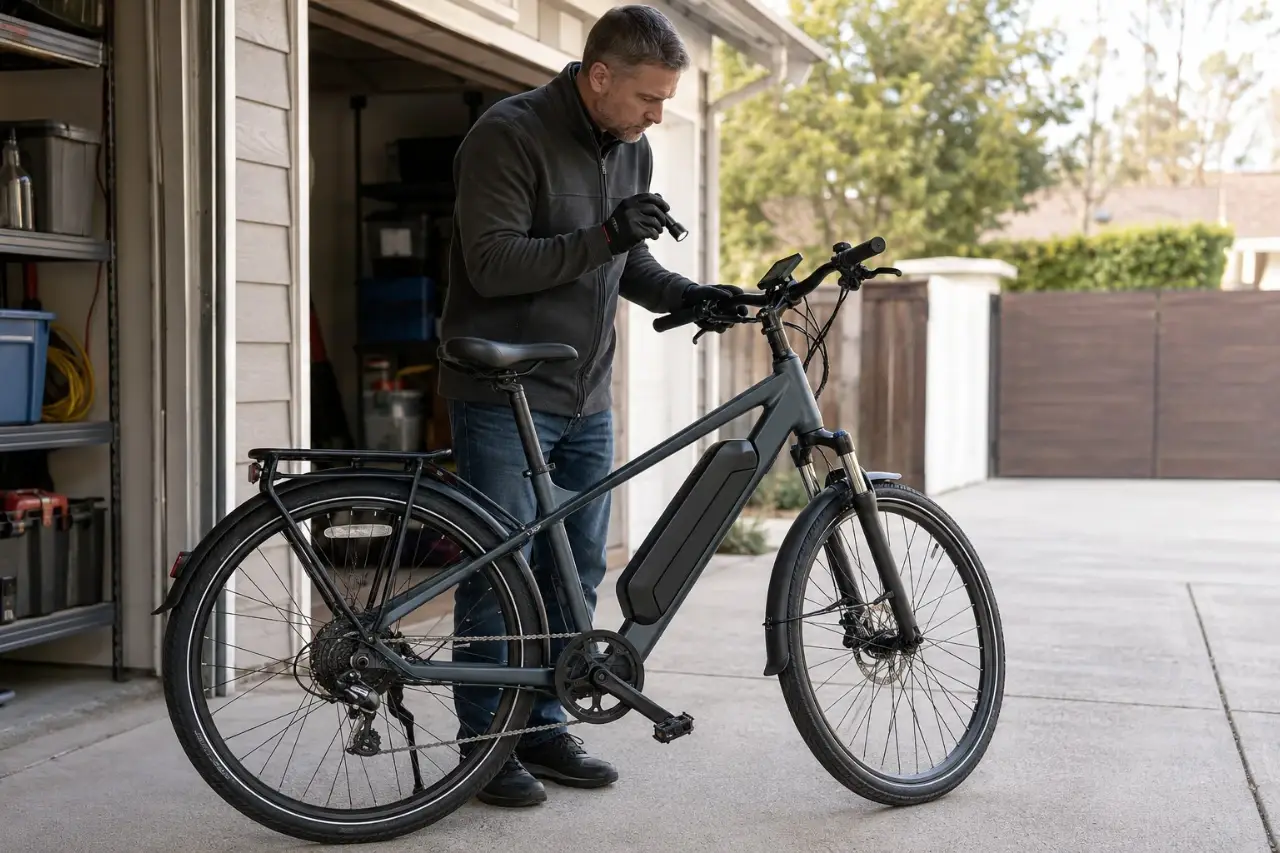
If your ebike display is not working, turn the bike off and use the checks approved in its manual. Confirm that an undamaged battery has charge and is seated, follow the specified startup sequence, and inspect only accessible external parts. Never open electrical housings, probe live wiring, or force a connector. Stop riding if the screen repeatedly shuts off or the motor behaves unpredictably.
The screen may show battery status, speed, assist, lights, trip data, and faults. A blank or inaccurate display does not prove the unit has failed; the cause may be elsewhere in the electrical system.
Before You Inspect an Ebike Display
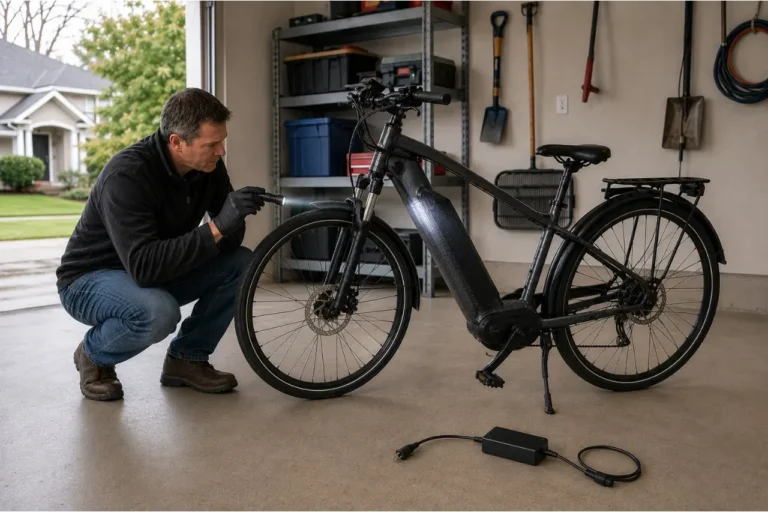
Move out of traffic, stabilize the bike, and turn it off normally. Remove the battery only if it is cool, undamaged, easy to release, and the instructions call for it.
Stop if you notice unusual heat, swelling, leaking, smoke, hissing, popping, melted plastic, a strong odor, exposed conductors, or crash damage. Follow GoEBikeLife’s e-bike battery damage warning signs guide.
For a routine problem, identify the exact bike, display, and drive-system model before changing anything. Startup procedures, mounts, security modes, settings, connectors, and error codes vary. The relevant manuals take priority over general instructions.
Quick Guide to Common Ebike Display Issues
| Symptom | Safe first checks | When to stop and get help |
|---|---|---|
| Display stays blank | Battery charge and seating; startup sequence; removable display seating if permitted | The bike stays unresponsive, wiring is damaged, or the fault follows water or impact |
| Display starts, then shuts off | Battery charge; visible cables; whether bumps or higher demand trigger it | Shutdown repeats, power cuts out while moving, or the motor behaves unexpectedly |
| Display works but assist does not | Assist is not off; brake levers return; exact message or icon | A code persists, the brake cutoff appears faulty, or assist surges |
| Speed or distance is wrong | Approved wheel setting; visible sensor and magnet position if the manual identifies them | A sensor, cable, mount, wheel, or tire is loose or damaged |
| Battery bars jump under load | Compare at rest and under lower demand; consider cold and low charge | Changes are extreme in ordinary conditions, the battery gets hot, or the bike shuts down early |
| Screen flickers, fogs, or loses segments | Battery charge; brightness; clean, dry exterior; mount condition | Moisture is inside, the lens is cracked, or flickering returns |
| Error code appears | Record the complete code and use the model-specific manual | The manual says to stop, the code returns, or any battery, charging, temperature, or critical-system warning appears |
What to Check When the Display Will Not Turn On
1. Check the battery without assuming it is safe to charge
Look for case damage, swelling, moisture at the port or contacts, unusual heat, or odor before charging or handling the battery. If none is present, check its charge as the manufacturer specifies. Use only the charger supplied with or specifically approved for that battery system.
Make sure a removable battery is seated and locked. Some systems also use a battery button, key position, controller, or phone-based lock.
2. Use the correct power-button procedure
Some systems respond to a short press; others require a longer press or start from a battery or remote. Hold times are not universal. If the system was just switched off, wait for the manual’s specified interval before trying again.
3. Check only owner-accessible display parts
If the display is removable, confirm that it sits completely in its mount. Remove and refit it only as its manual instructs. Inspect an external plug only when the manual provides an owner procedure and the system is fully powered down. Look for looseness, moisture, crushed insulation, or damaged pins.
Do not pull cables, force plugs, straighten pins, spray cleaner into connectors, or disconnect sealed wiring. Never test with a borrowed display or cable based on appearance.
4. Consider temperature and condensation
Displays and batteries have model-specific temperature ranges. Let the bike and removable electronics return gradually to an approved temperature in a dry area. Never use direct heat, and do not reconnect or charge equipment that has collected condensation.
Why a Display Turns On and Then Shuts Off
A shutdown can result from very low charge, an intermittent connection, a battery-mount contact problem, a communication fault, or another system condition. Replacing the screen without diagnosis may not solve it.
Record whether shutdown follows a bump, rain, washing, transport, charging, a steep climb, high assist, or a crash. Do not deliberately load the motor or ride in traffic to reproduce unpredictable power loss.
Stop using assist if the display repeatedly switches off, power cuts out while moving, or the motor surges. Walk the bike or arrange transportation if you cannot confirm normal braking, steering, wheel security, and predictable electrical behavior.
When the Display Works but Pedal Assist Does Not
While stationary, confirm that the assist level is not off or zero. Check the manual for a startup lock, security feature, walk mode, or configuration that changes how assist is enabled.
Squeeze and release both brake levers; they should return freely. Many ebikes cut motor power while a brake signal is active. Never bypass that safety feature.
Record any icon or message and use the exact system documentation. A working screen with no assist can relate to a brake cutoff, sensor, throttle, motor, controller, wiring, lock, or configuration; it does not identify a failed component by itself.
When Speed, Distance, or Battery Readings Look Wrong
Speed and distance may depend on a wheel-speed sensor, magnet, tire size, and approved wheel-circumference setting. If the manual identifies an owner-visible sensor and magnet, check only for an obvious shift or damage with the system off. Do not change wheel data or hidden settings to alter displayed speed or the assist cutoff.
Battery bars are estimates. Under acceleration, climbing, cold, or another heavy load, voltage may temporarily fall and the display may show fewer bars before recovering. That alone does not prove damage.
Seek help if the indicator repeatedly falls from several bars to empty during ordinary riding, changes sharply on flat ground, remains implausible after an approved full charge, or accompanies early shutdown, unusual heat, odor, swelling, or charging problems.
What Flickering, Missing Segments, or Fogging Can Mean
Check the brightness and clean the exterior as the display manufacturer permits. A soft cloth lightly dampened with water is suitable for some displays, but the manual takes priority. Never pressure-wash the screen, controls, connections, battery, or charging port.
Persistent flicker or missing segments can result from low voltage, a connection problem, damage, moisture, or an internal fault. Do not open a cracked, fogged, or wet display. Turn the system off and get model-specific guidance. Do not charge if moisture may have reached an electrical area. See the e-bike rain protection guide for safe steps after wet exposure.
How to Respond to an Ebike Error Code
Error codes are not universal. Photograph the complete code, including letters, icons, and leading zeros, and check the current manual or support page for your exact model.
Restart once only when the model-specific instructions permit it, the bike is cool and dry, and no battery, charging, temperature, critical-system, damage, odor, smoke, or erratic-motor warning exists. A cleared code does not prove the fault is fixed. If it returns, arrange service. GoEBikeLife’s ebike error code guide explains how to judge urgency without a generic code chart.
Display Troubleshooting Steps to Avoid
Do not:
- Open or repair the display, controller, motor, battery, charger, or harness.
- Probe live connectors with a meter, jumper, wire, or metal tool.
- Force a connector, bend pins, or add contact cleaner without a specific owner procedure.
- Install unofficial firmware, alter protected settings, or change wheel data to affect speed or power behavior.
- Bypass a brake cutoff, speed sensor, or another safety interlock.
- Buy a “universal” display based on appearance. Its protocol, firmware, pinout, controller, and regional configuration must match.
When Professional Diagnosis Is the Right Next Step
Contact the manufacturer, an authorized dealer, or a qualified ebike service provider when approved checks do not restore normal operation. Get prompt help for recurring shutdowns, persistent codes, unexpected motor behavior, cable or connector damage, internal moisture, a cracked screen, or a problem following a crash, water exposure, or transport damage.
If there is smoke, fire, rapid heating, hissing, popping, or immediate danger, do not touch or move the battery or bike. Move people away, leave the building if applicable, and call 911 from a safe location. Follow emergency responders’ instructions.
Give support the bike brand, model, serial number, display or drive-system model, exact message, battery indication, photos, and circumstances. Mention recent charging, rain, washing, transport, impact, temperatures, rough roads, or service. Do not recreate a hazardous fault just to gather evidence.
Reduce Avoidable Display Problems
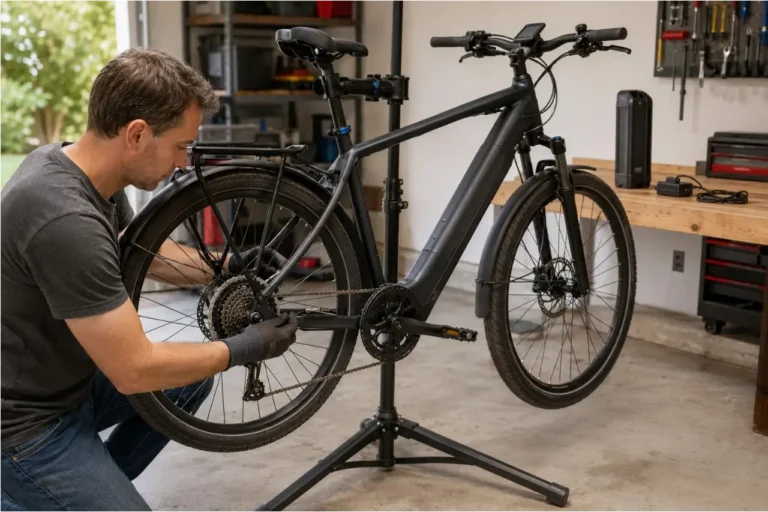
Include the display, controls, visible cables, and battery mount in a regular ebike maintenance routine. Keep cables free from sharp bends and accessory clamps, and check the mount after rough rides or vehicle transport.
Clean the screen gently, avoid pressurized water, and observe the manual’s storage limits. Remove a detachable display for transport or storage only when recommended, then protect its contacts from dirt, moisture, and impact.
A display issue may be simple, but the screen is part of a larger electrical system. Safe external checks can narrow the possibilities; model-specific documentation and proper diagnostics should determine the repair.
Sources and Further Reading
- CPSC Micromobility Information Center
- Bosch Kiox 300 Owner’s Manual
- Bosch display connection fault guidance
- SHIMANO E-BIKE SYSTEMS User’s Manual
- Ride1Up battery display and voltage-sag guidance
Safety and source availability checked August 29, 2026. Always use the latest instructions for your exact ebike, display, and electrical system.